
Robotics & Engineering - Week of 01/05/26
Over the winter break, I downloaded the EuroCity Persons Dataset and began to re-train our golf-cart AI YOLO model. This dataset was suggested to me by Matty Harris but you need a specific education account to download it. Luckily, he provided his account and I was able to grab a copy.
The dataset is nearly 60GB of over 200,000 annotations. I had to convert the provided JSON annotations for each file to individual text files in a YOLO compatible format.
This was luckily not too difficult to do, considering that the format of YOLO images are pretty straightforward, and the provided JSON files had all the necessary data.
def walkbjects(obj_list, img_w, img_h, labels):
    for obj in obj_list:
        if "identity" in obj and all(k in obj for k in ["x0", "y0", "x1", "y1"]):
            cls_id = get_class_id(obj["identity"])

            x0, y0, x1, y1 = obj["x0"], obj["y0"], obj["x1"], obj["y1"]
            w = x1 - x0
            h = y1 - y0
            cx = x0 + w / 2
            cy = y0 + h / 2

            labels.append((
                cls_id,
                cx / img_w,
                cy / img_h,
                w / img_w,
                h / img_h
            ))

        if obj.get("children"):
            walk_objects(obj["children"], img_w, img_h, labels)

for split in SPLITS:
    split_dir = ROOT / split
    for json_file in split_dir.glob("*.json"):
        with open(json_file, "r") as f:
            data = json.load(f)

        img_w = data["imagewidth"]
        img_h = data["imageheight"]

        labels = []
        walk_objects(data.get("children", []), img_w, img_h, labels)

        yolo_file = json_file.with_suffix(".txt")
        with open(yolo_file, "w") as out:
            for l in labels:
                out.write(f"{l[0]} {l[1]:.6f} {l[2]:.6f} {l[3]:.6f} {l[4]:.6f}\n")
This function allows you to simply pass the arguments provided in each json file, and it will output the corresponding annotations.
I remotely trained the model for just under 26 hours. This yielded a new PyTorch mode; file.
Testing it on our control software was pretty promising.
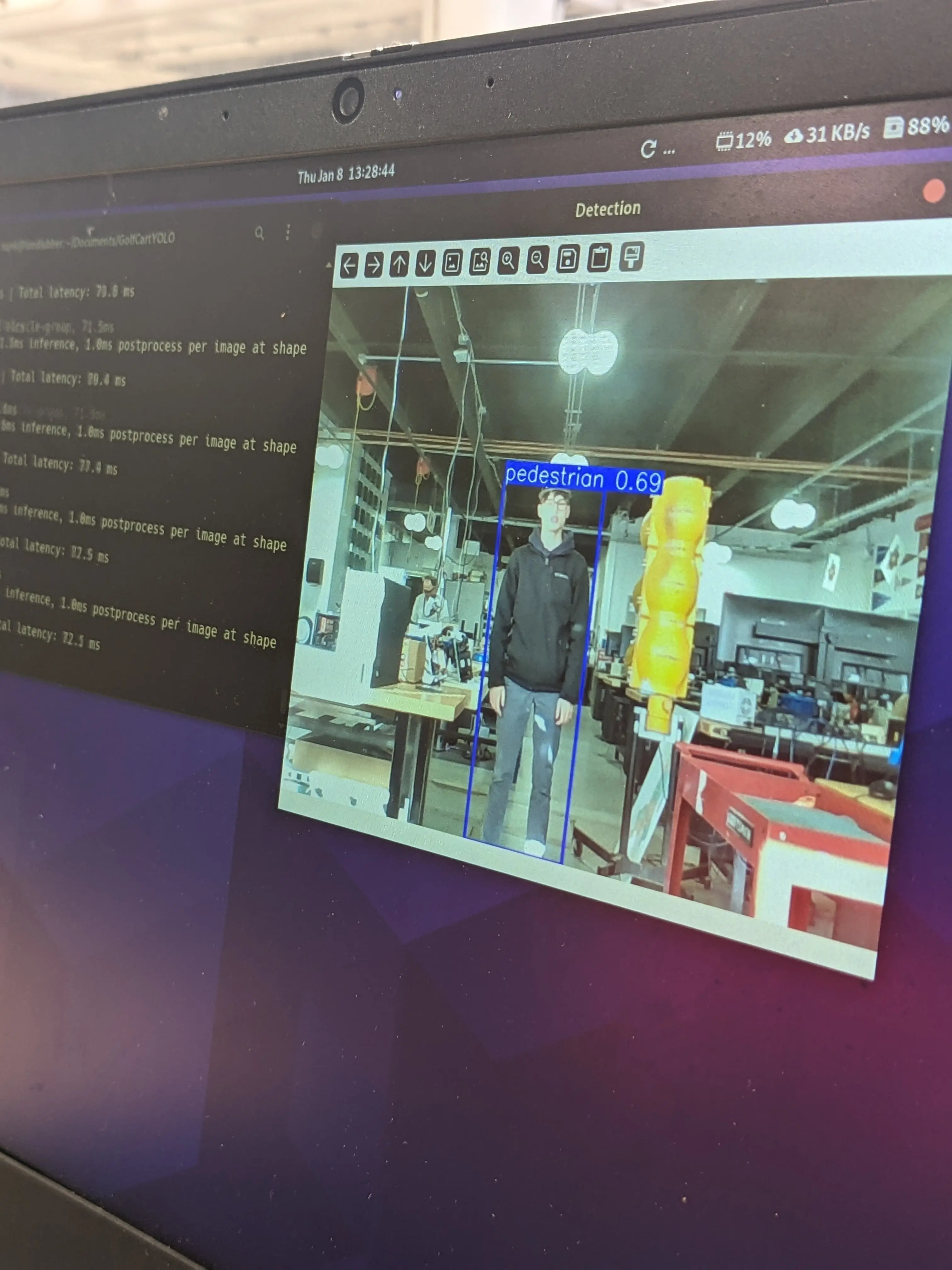
We drove the golf cart around a little bit to test it, which was very successful. However, I found that the batteries are now discharging under small loads very easily. Additionally, the charger would finish “charging” the batteries within under an hour which is way less than it should.
After some digging, the BMS was not balancing the cells at all. One of the cells was 0.2v overcharged (over the safe limit). I do believe that the charger was triggering due to this single cell bringing up the average voltage of the pack way higher than it should be.
I tried to figure out how to interface the BMS with the UART box again, but I couldn’t figure out.
In the datasheet of the BMS I found this…
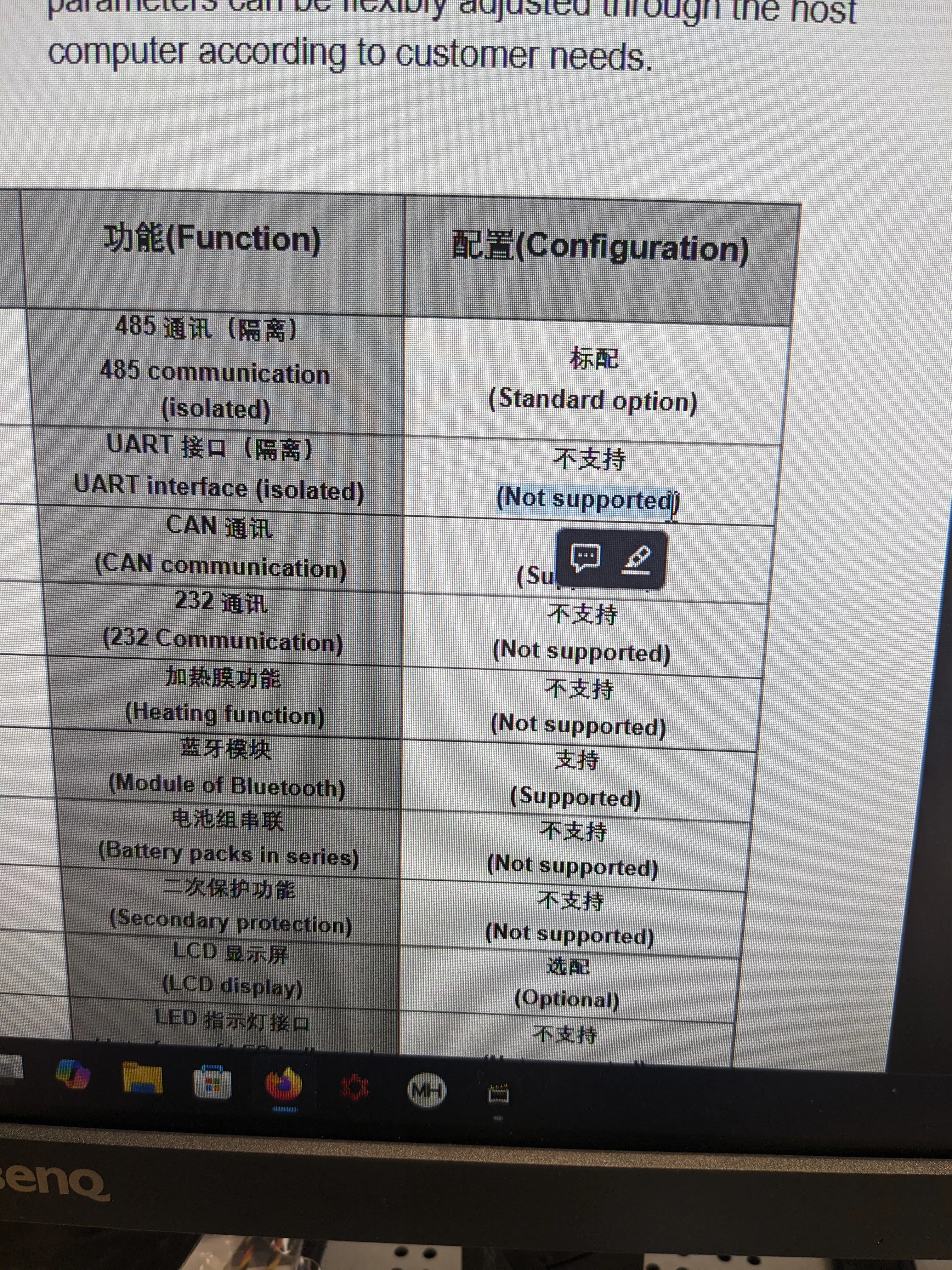
So we purchased the RS485 version of the connection link. This hopefully will eliminate any problems with communication.
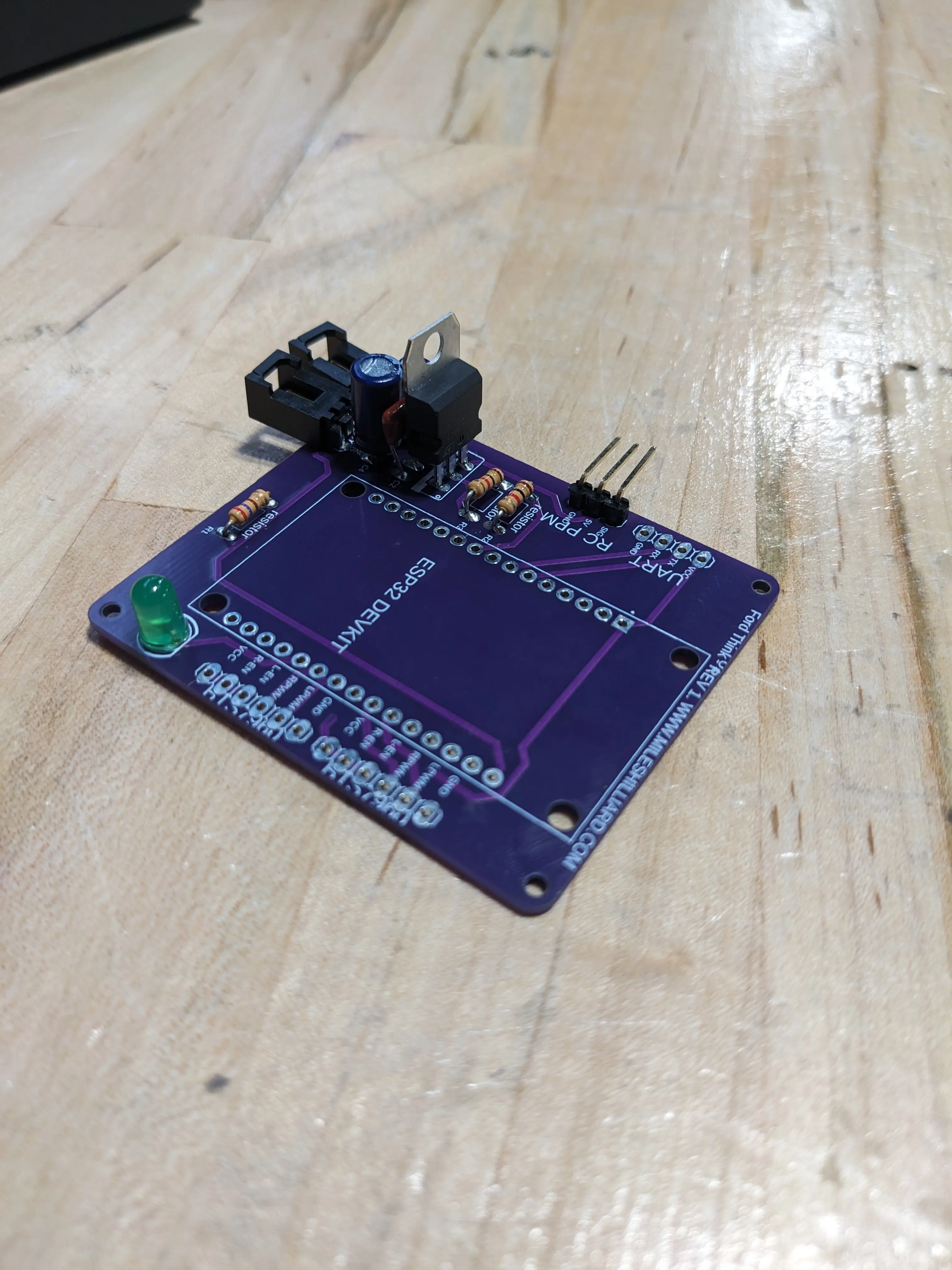
On Tuesday, a large bulk order of several PCB designs from China arrived in the mail. One of those was mine. This board will be the brain of the golf-cart.
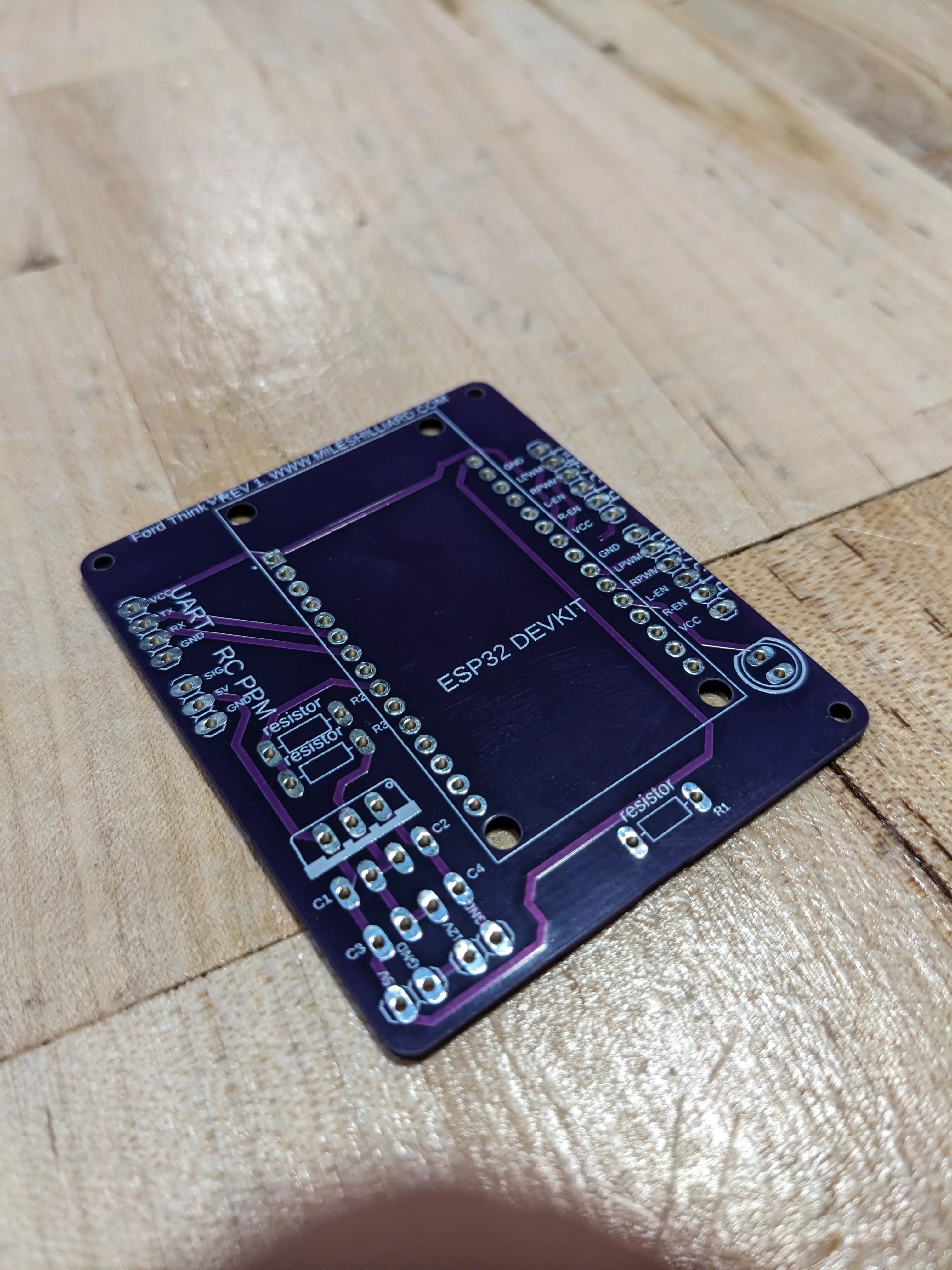
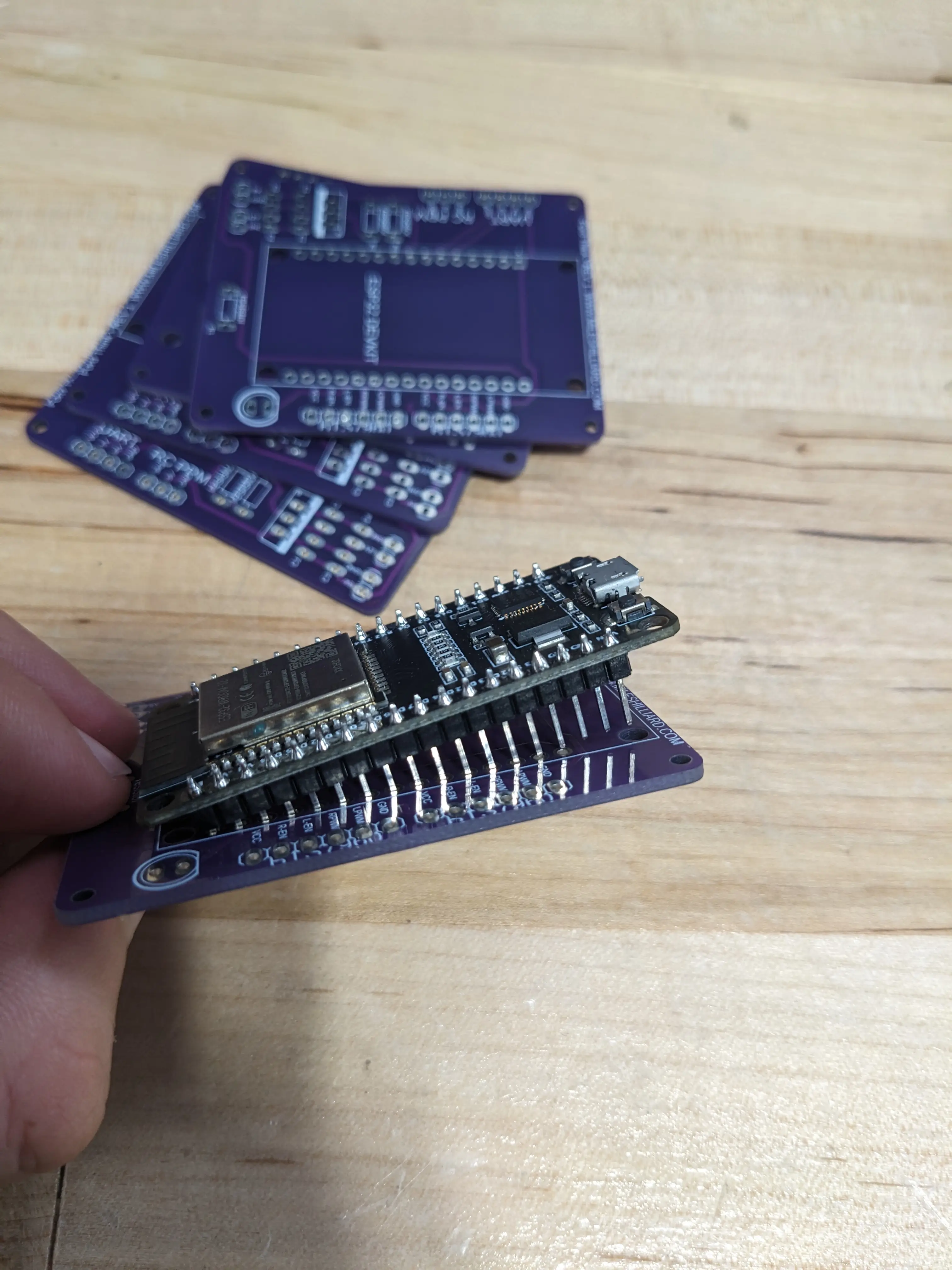
As shown above, the ESP doesn’t quite fit. This is because I chose the wrong footprint for the ESP when designing the board. The good news, is we ordered the correct ESP boards.
Regardless, I began to solder all the parts that would actually fit.
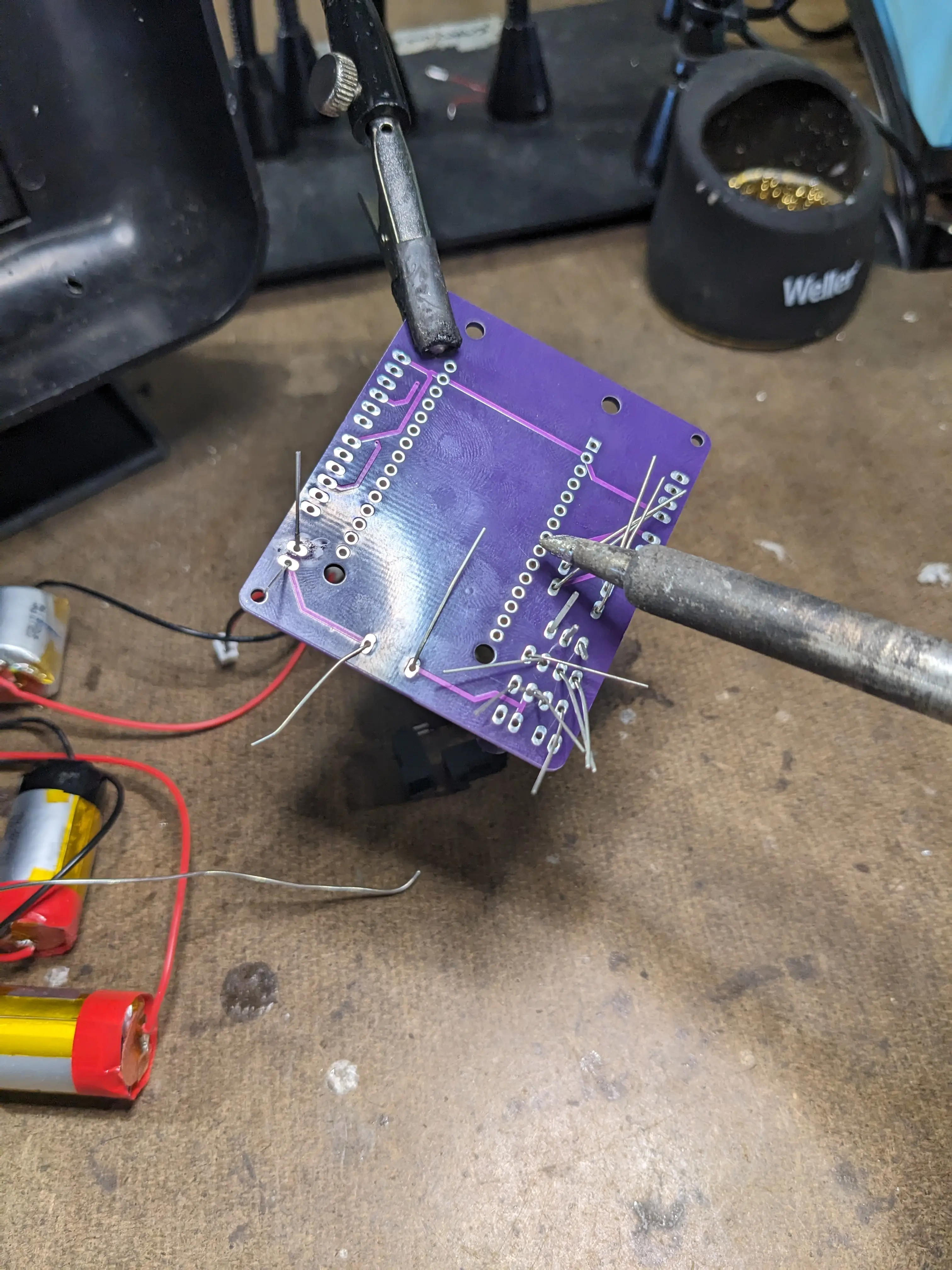
I got the basic parts, like the 7805 and other passive components installed. Now, the only thing for this down the road will be the ESP soldering and prorgamming for the entire system.
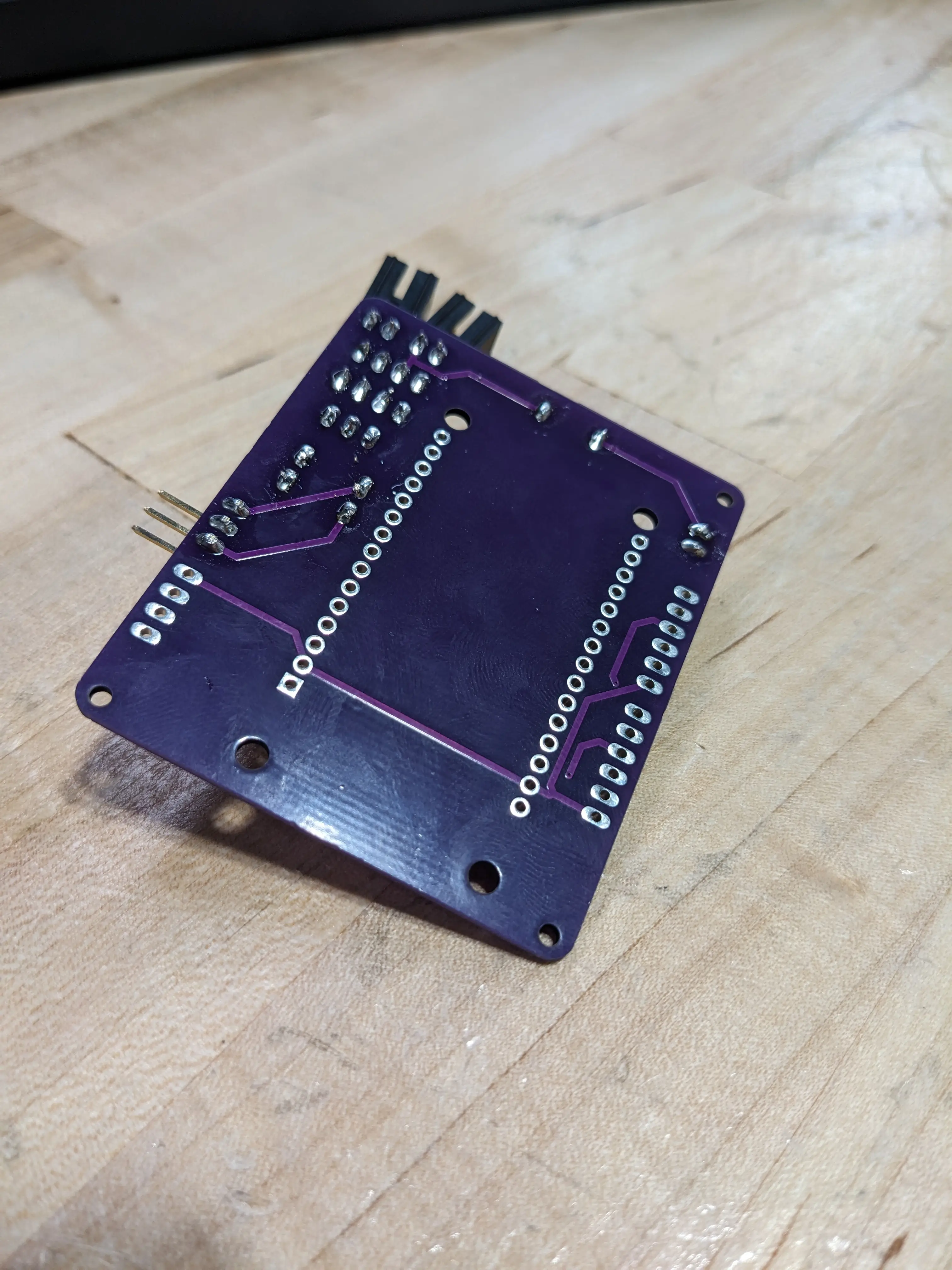
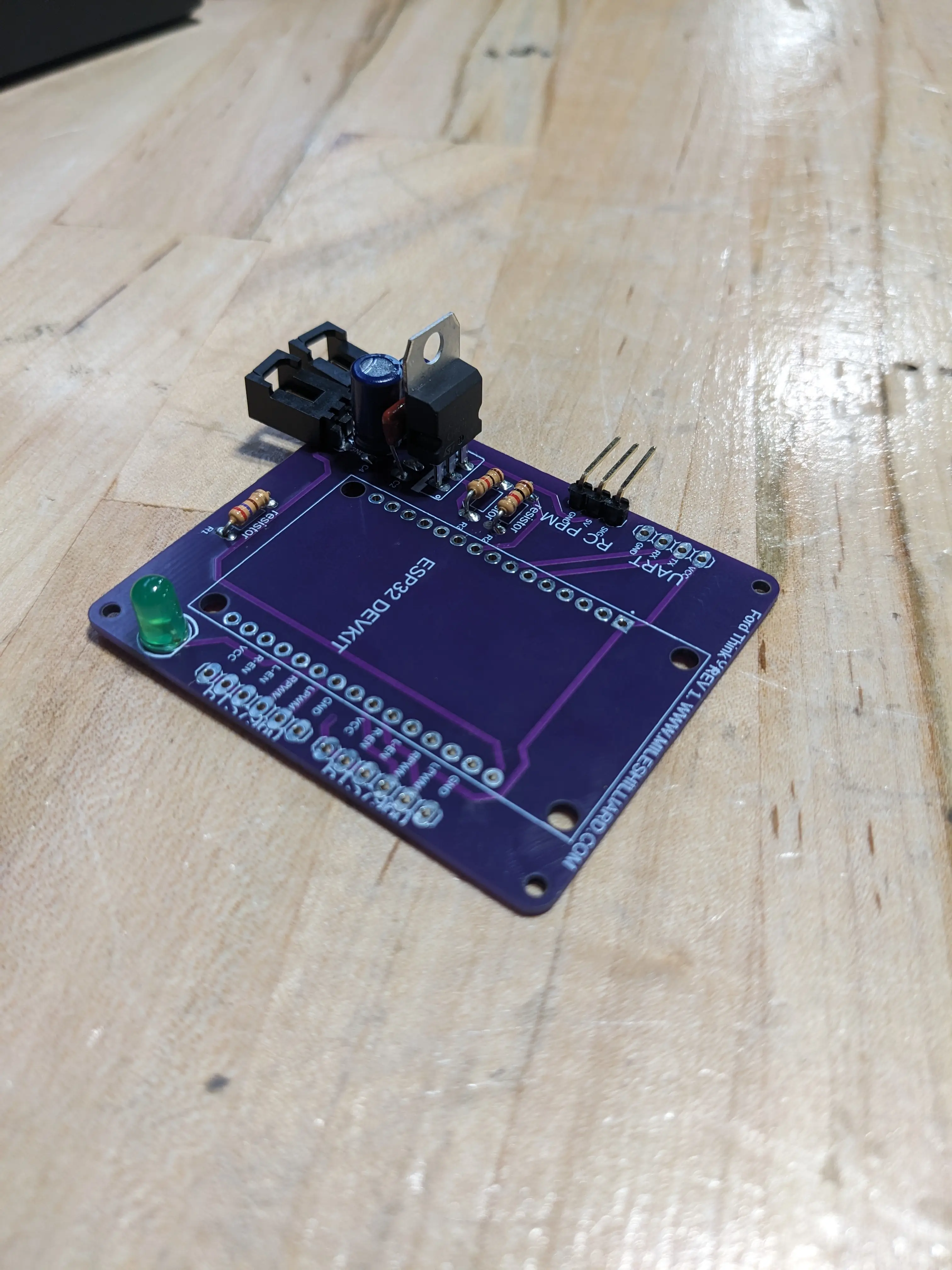
Next week, I will work more on the PCB and try to figure out the critical problem with the golf-cart’s power issues.
0
Views